
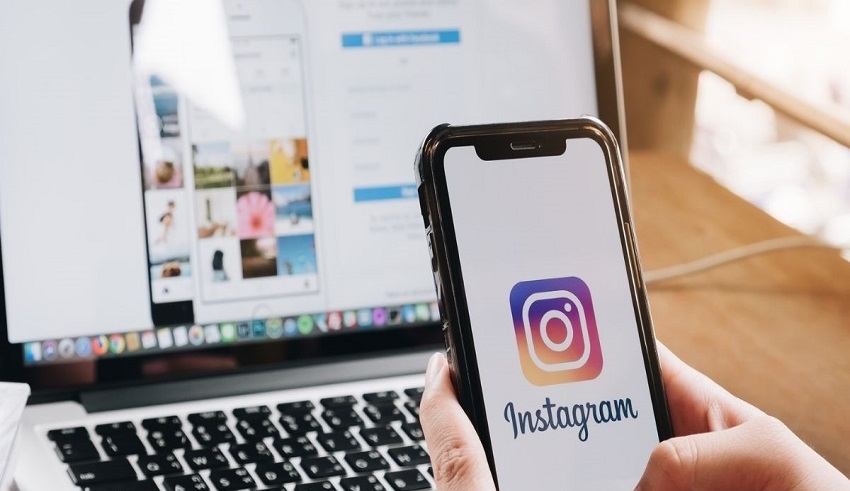
Not understanding why Instagram indicates that you cannot utilize this effect on your device can be annoying. Here are several solutions that can help you attempt to correct this mistake.
(C) Freshers Live
Instagram’s Story feature and filters both debuted in 2016. 2018 saw the introduction of AR filters. It was a fierce competitor to Snapchat and came close to taking it over. To date, Instagram users have favoured and used this feature the most.
Occasionally, this useful feature, which is usually used in Instagram, malfunctions and informs us that your gadget is unable to apply this effect for Instagram. Not understanding why Instagram indicates that you cannot utilise this effect on your device can be annoying. Here are several solutions that can help you attempt to correct this mistake.
- If you think there is a malfunction anywhere, you should first check your internet connection because that may be the cause and you could not even be aware of it. Thus, always be the person who is perceptive enough to realise if the issue is with the internet connection.
- Maintain your app: Restart your device, remember: Always attempt a device restart. Restart your smartphone after closing the app. It would be better for your Android smartphone if you forced closed the Instagram app.
- Deleting the app’s cache When an app’s cache is cleared, all temporary memory that the app consumed is also released, along with any garbage. If the storage on your phone is full, make some room!
- Instagram can be reinstalled by uninstalling it first. Reinstalling the application fixes the issue almost always.
If trying these didn’t work, follow these steps to report it to Instagram:
- Pick your profile from the menu in the Instagram app.
- On the top right, select the hamburger (three-line icon) menu.
- Down, tap on Settings.
- From the options, select Help.
- To report the “Instagram, unable to use this effect on your smartphone,” error, choose Report a problem.