










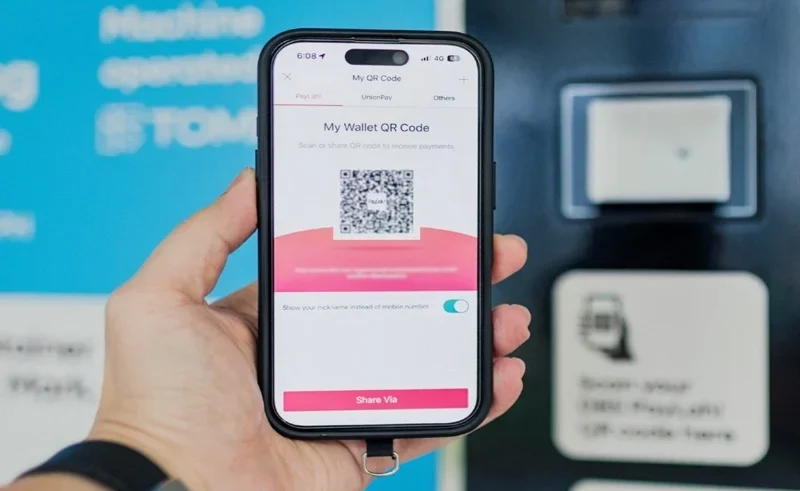
If there is a technical problem with digital payment systems, it can trigger instant panic when one sees the money deducted but no payment has yet been received. With the latest technical hitches on the service, thousands of account holders are looking for a transparent and clear DBS PayLah outage refund guide to get the refunds and check uncredited balance. In either case, DBS has assured customers that the money will be returned to their accounts. This step by step page provides information on how to keep an eye on your PayLah balance in case of loss and to ensure that the amount is correct.
Step-by-Step Instructions to Track Missing Money PayLah
Checking your account balance after a system disruption requires systematic verification across your DBS PayLah wallet and linked bank accounts.
| CHECK AREA | KEY ACTION | EXPECTED RESULT |
| App History | Review recent logs | Identify failed transactions |
| Digibank Account | Check bank statement | Verify pending deductions |
| Wallet Balance | Monitor auto-credit | Reversal within 24–48 hours |
1. Review Your PayLah Transaction History
Launch the app and go straight to the transaction history tab. Check for pending payments or payments that are not there at all. In periods of heavy traffic, transactions that fail may not be automatically added to your reconciliation for 24-48 hours.
2. Verify Linked Accounts via Digibank
If you have deducted funds from a linked POSB or DBS saving account, check the same with your electronic statements, via digibank mobile app. The deductions pending on the account in DBS PayLah are sometimes shown as temporary accounts pending before being released to your available balance.
How to Get Refunds for Pending Deductions DBS PayLah
When unexpected technical disruptions halt transfer requests, DBS initiates automated clearing protocols to reconcile balances.
| Transaction Status | What It Means | Action Required |
| Pending Deduction | Temporary hold on funds during processing | Allow 24–48 hours for automatic credit |
| Deducted but Uncredited | Debited from wallet but not received by merchant | Monitor transaction history for auto-reversal |
| Failed Transaction | Transfer aborted before completion | Check DBS PayLah wallet balance |
Smarter Money Starts Here
How Can You Claim UPLIFT?
Check out the payout process.
Which Mobile Wallet Fits Best?
Compare Asia’s top digital wallets.
Want Cheaper Money Transfers Abroad?
Find the best wallet options.
Where Can You Eat Cheaply?
Discover Singapore’s budget food spots.
Why Are Wallet Apps Booming?
Explore the Philippines’ digital payment shift.
Contacting Customer Support for Unresolved Balances
Please contact official customer support, via the digibank mobile app or phone banking, if you have not received your missing balance after two business days. Do not post account numbers or personal logon information on public comment sections of social media.
To review official wallet guidelines, consult the DBS PayLah Support Guide. You can also read recent news coverage on Channel NewsAsia or examine dispute guidelines at DBS Transaction Support.
FAQs
How long does an outage refund take on DBS PayLah?
For failed transactions, most refunds happen automatically from the system within 24-48 hours after full system restoration, and are credited back to your DBS PayLah wallet.
Will DBS auto-refund pending deductions from an outage?
Yes. DBS confirms that affected payment/transfer amount due to any system disruption will be credited back to your DBS PayLah wallet automatically.
What should I do if my PayLah transaction is missing from my history?
You can log in to your digibank mobile application to view your bank e-statements, take screenshots of any deducted amounts and reach out to DBS customer services if any amount does not show up in your account within 2 business days.