









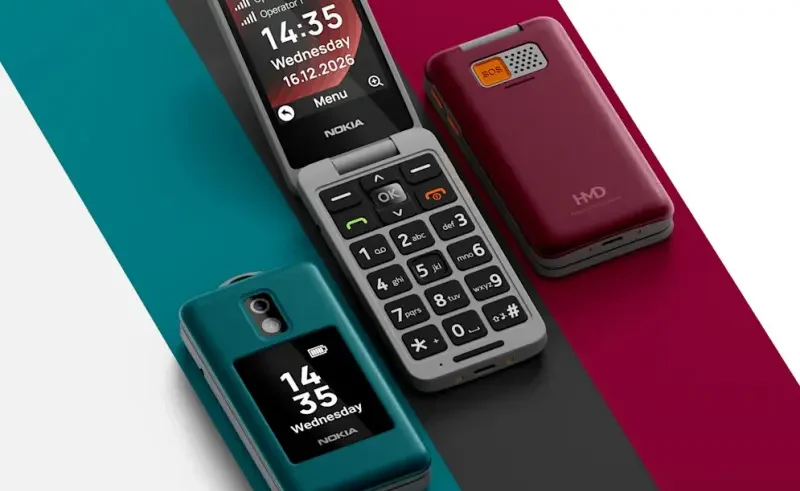
For older adults who value traditional buttons and menus with fundamental calling capabilities over an intricate smartphone screen, Nokia flip phones are a sensible choice.
There are also other models available, such as the Nokia 2660 Flip and Nokia 2780 Flip, which provide emergency services and contact shortcuts, but they have different ways of doing it.
This Nokia Flip Phone Guide helps seniors and caregivers to program emergency contacts, speed dial and make everyday phone use more convenient.
Nokia Flip Phone Guide to Emergency SOS Setup
On the supported models like the Nokia 2660 Flip, users can access Settings and find the Emergency or SOS menu. They can enter trusted emergency contacts and set up the dedicated emergency button as well. This activation method differs for each model, so it’s important to consult the device manual prior to using the feature.
How to Configure Speed Dial for Family Contacts
With a speed dial, there’s no need to turn through the pages of the phonebook to find the names of those senior citizens who call often. For supported Nokia models, users can open Contacts or Settings, go to Speed Dial and set a saved number to any of the keypad shortcuts. Some models have to be pressed when you hold the number key to make a call.
Accessibility Settings That Make Nokia Flip Phones Easier
Enlarging text, increasing volume of alerts and making menus simpler can make them easier to use in daily life. The Nokia 2780 Flip manual provides details about the accessibility features activated on the phone, and the Nokia 2660 Flip simplifies the menu. Caregivers should also select the volume restriction and screen brightness setting.
Important Safety Checks Before Using the SOS Button
Users of the Nokia 2660 Flip instructions must store ICE contacts and activate SOS calls. The caregiver needs to verify the numbers, describe how the button works, and ensure that there is radio reception. The SOS features can not guarantee a connection, and must not replace other arrangements of emergency.
Recommended Reads
Which Budget Smartphones Can You Buy in Vietnam?
Why Are Older Phones Facing DITO Compatibility Issues?
Find out how DITO’s high-tech network features may affect compatibility with older mobile phones.
How Much Does Galaxy Book 6 Edge Cost?
What Caused Singtel’s 2026 Network Outage?
How Does Samsung’s Philippines Trade-In Work?